Background
The 'UX Result' Hackathon is a yearly event geared for people who specialize in User Experience Design. The event consisted of 144 teams, each composed of around 3-5 people. Since I did not have a team to register, I took the role of team lead and found three other designers without teams to join mine.
Challenges
This teams were presented with challenges the night before the building commenced. There were seven challenges asking you to build a product capable of accomplishing a certain goal. Two more challenges requested you use their software, while completing the other challenges.
Our Challenge
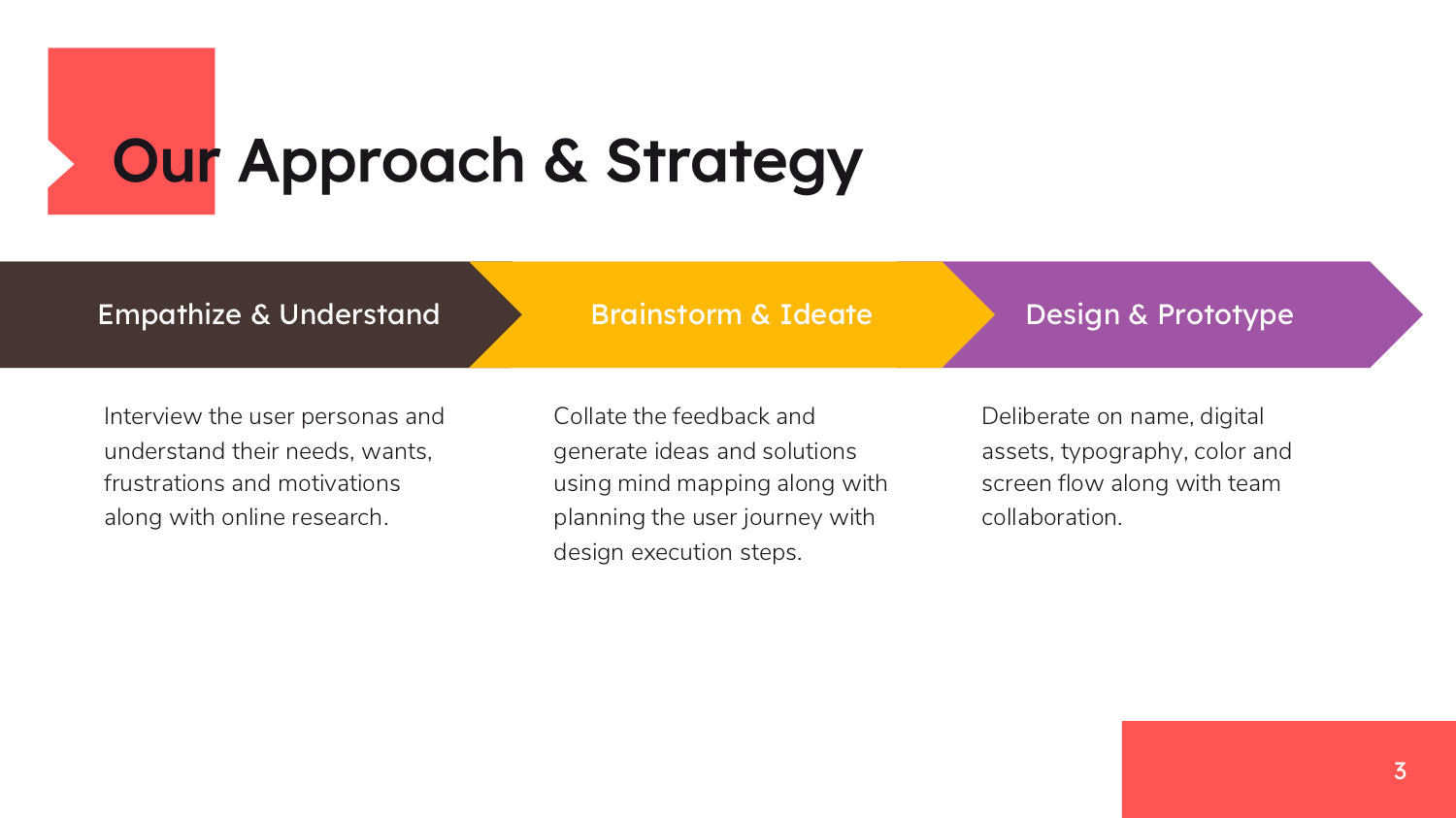
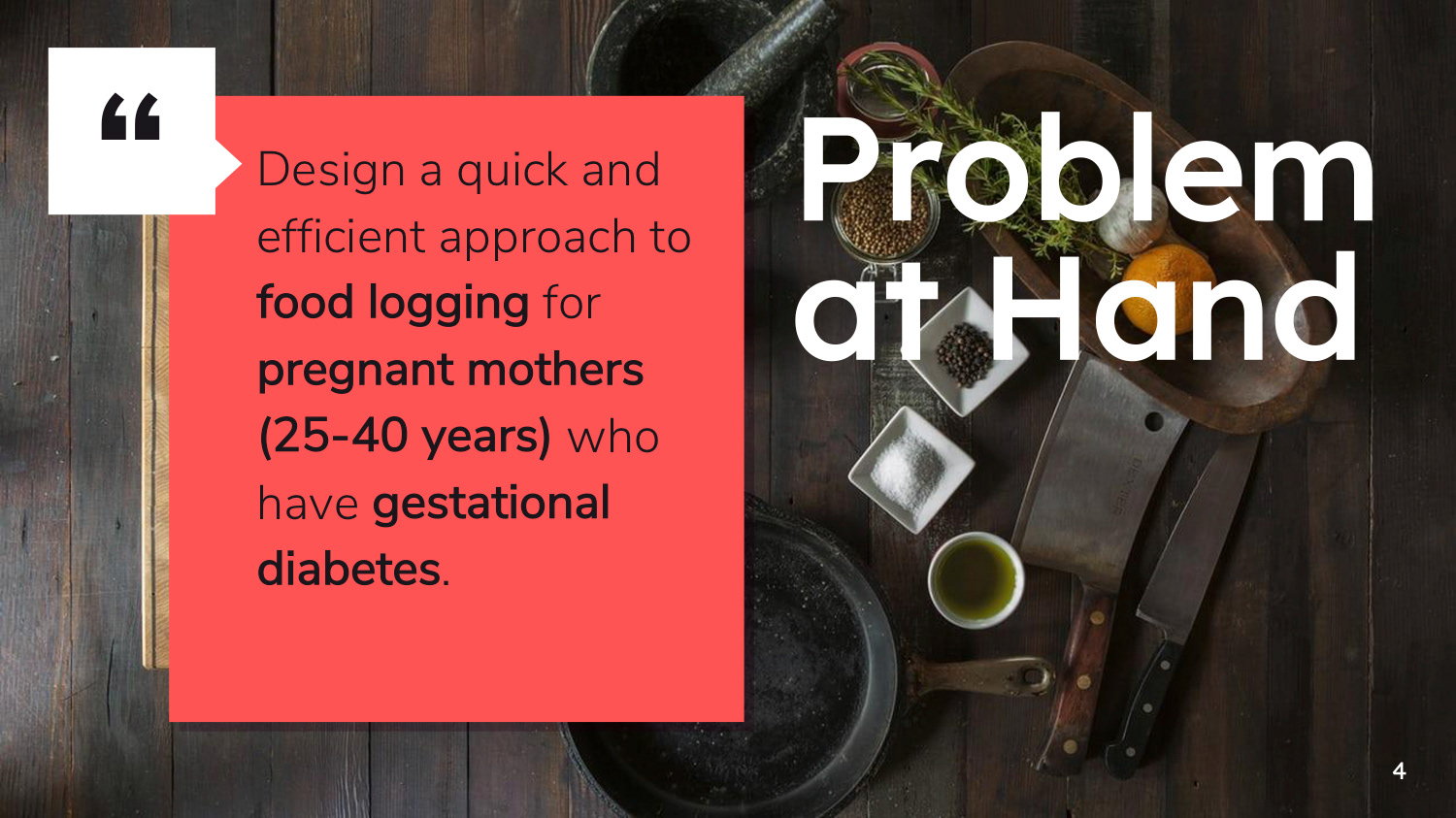
My team went with the challenge presented by Benson industries. The challenge asked for the team to build an application capable of organizing and monitoring a woman's eating habits while enduring Gestational Diabetes. Gestational Diabetes is something some women go through during pregnancy. It is a temporary condition requiring the expecting mother to monitor her glucose levels and time her nutrient intake. The app needed the capabilities of logging food, photographing meals, and sending a daily report with all this information to the users physician. On top of this challenge, we took on the additional sponsored challenge of using Adobe XD to create the product.
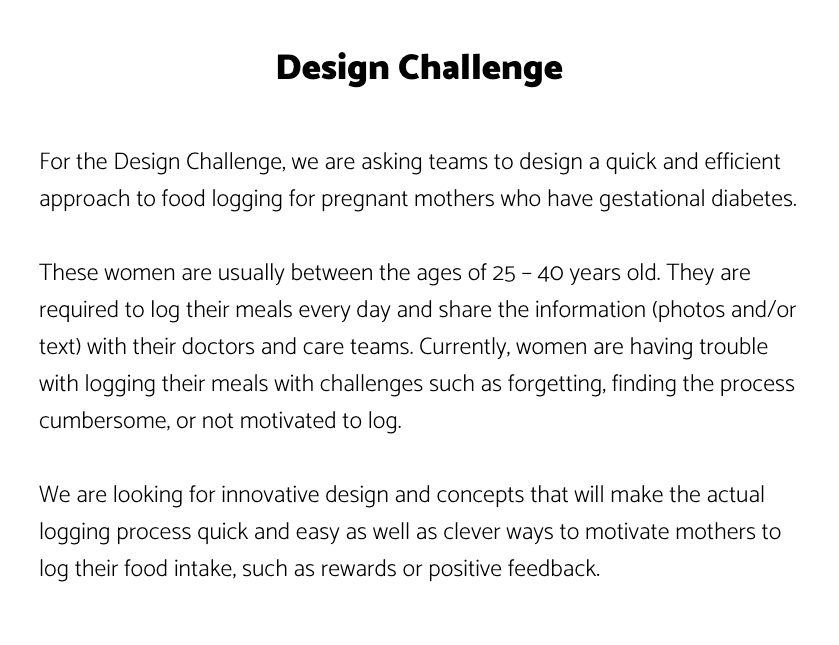
Our prompt for the hackathon challenge.
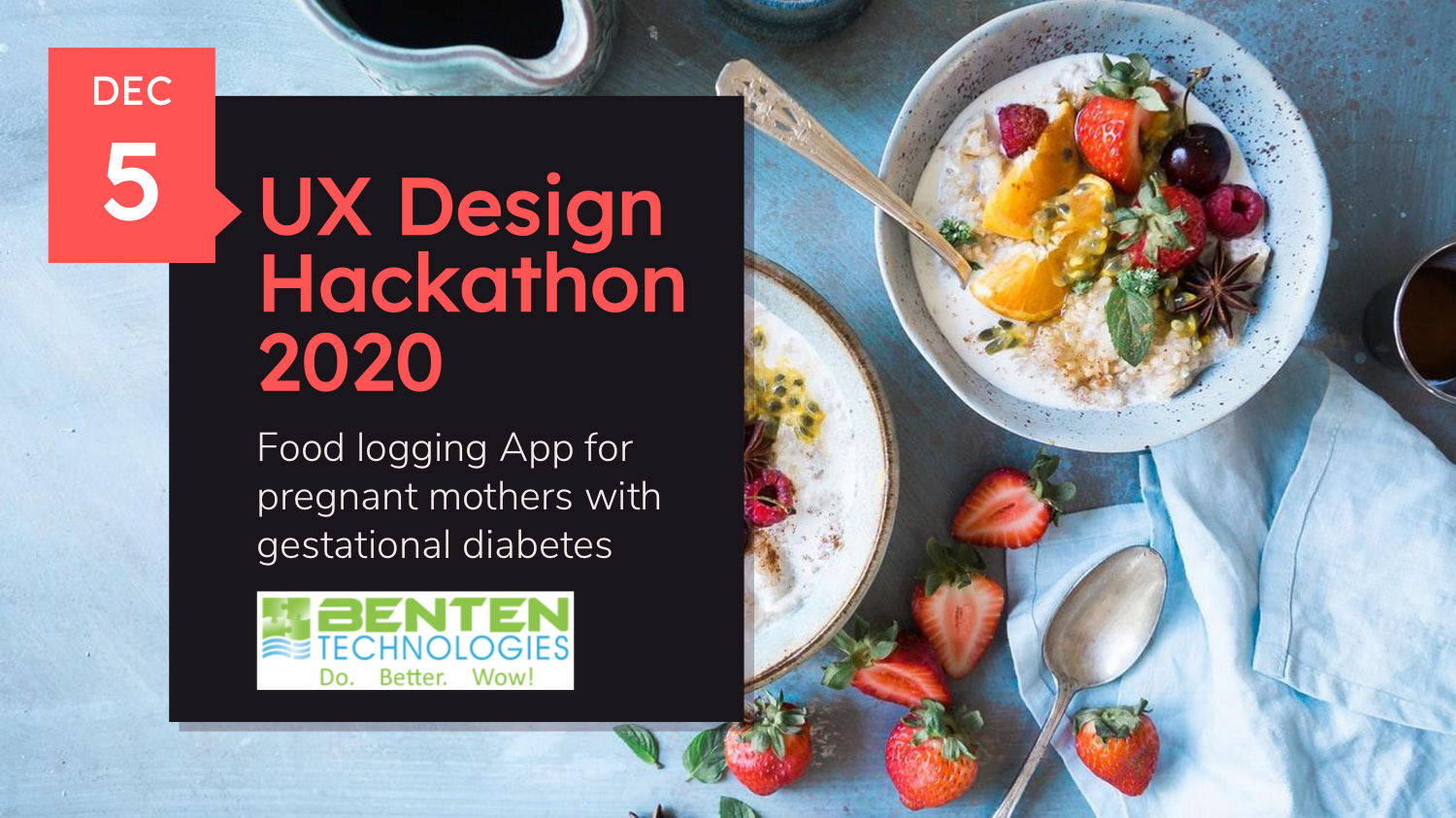
My Team
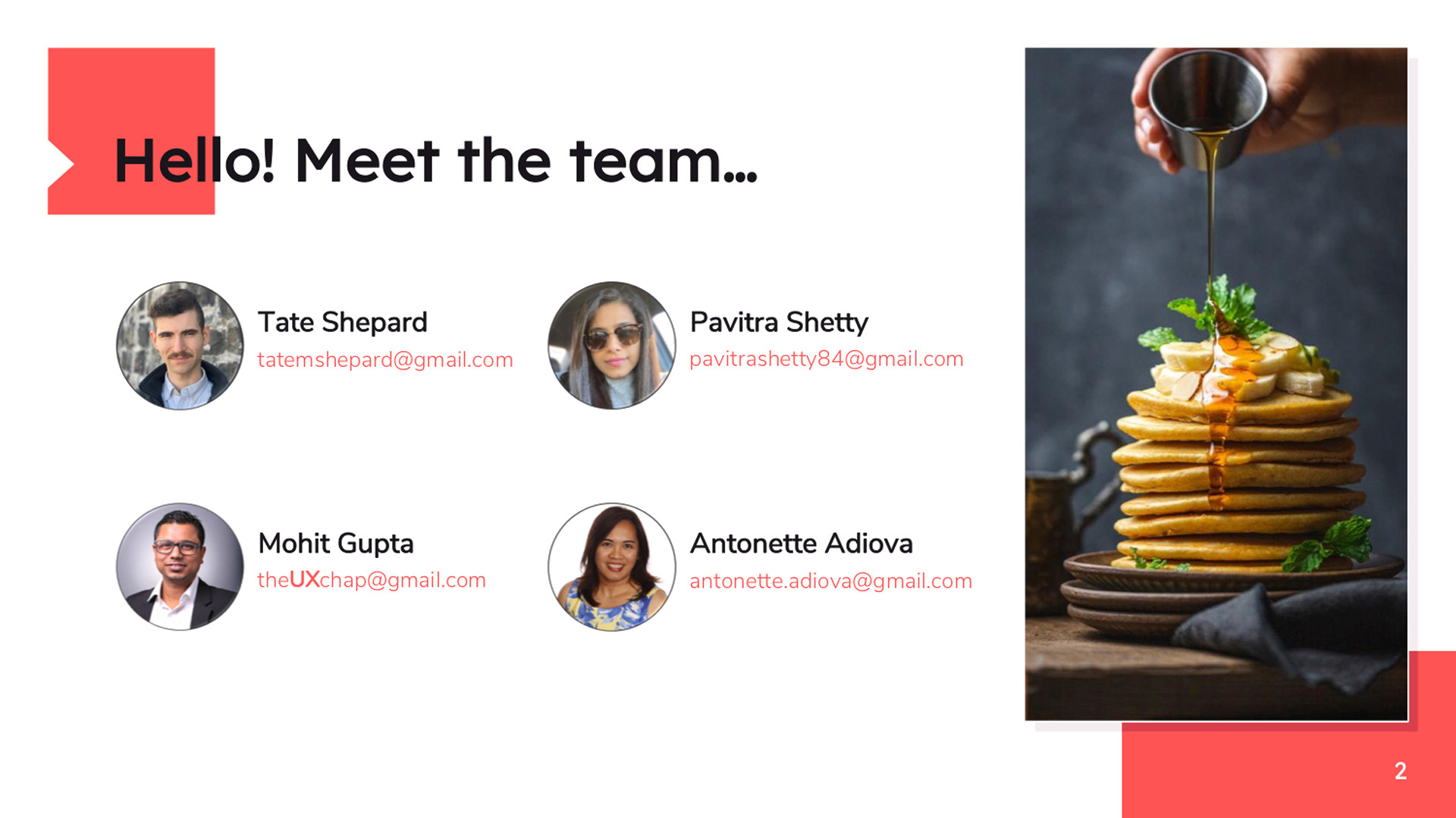
I led a team of three other designers. Some of my responsibilities included organizing our meetings, making sure everyone knew what they should be doing, and applying pressure where needed to make sure we made our 12 hour deadline (11am start - 11pm finish). Throughout this I also secured design assets and created a design system to be utilized. As the most experienced visual designer I built out the majority of the screens. Our collaboration capabilities fell through mid project and it made the most sense for one person to create all the screens. This was decided to ensure consistency. My teammates assisted with the design direction, made a user map, user persona, and aided in making a wireframe.
User Persona
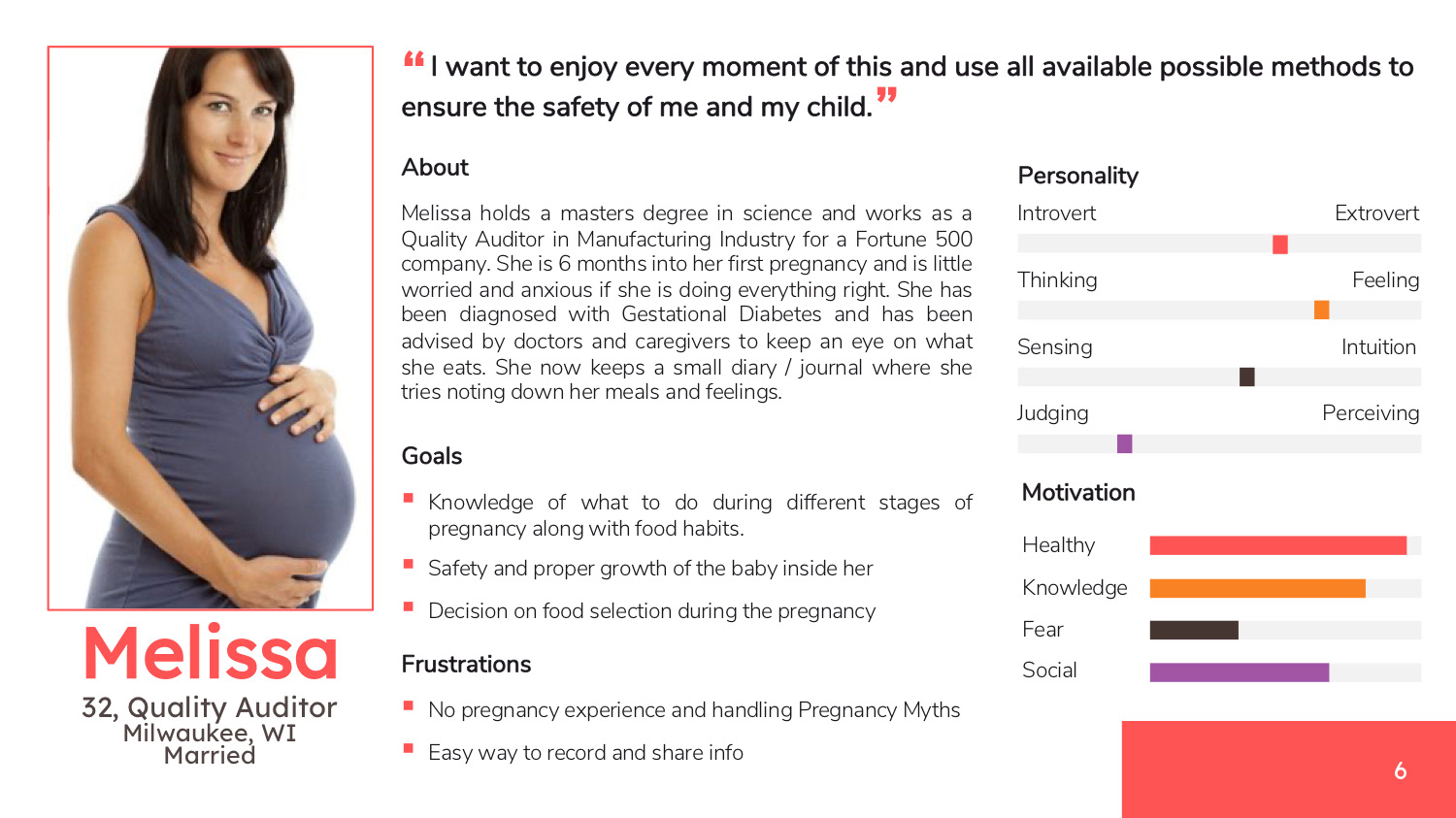
A user persona was developed to better understand our user's needs and preferences. By collecting insights into the products users, we are able to implement a more personalized interface that will be enjoyed by more users.
Screen Flow
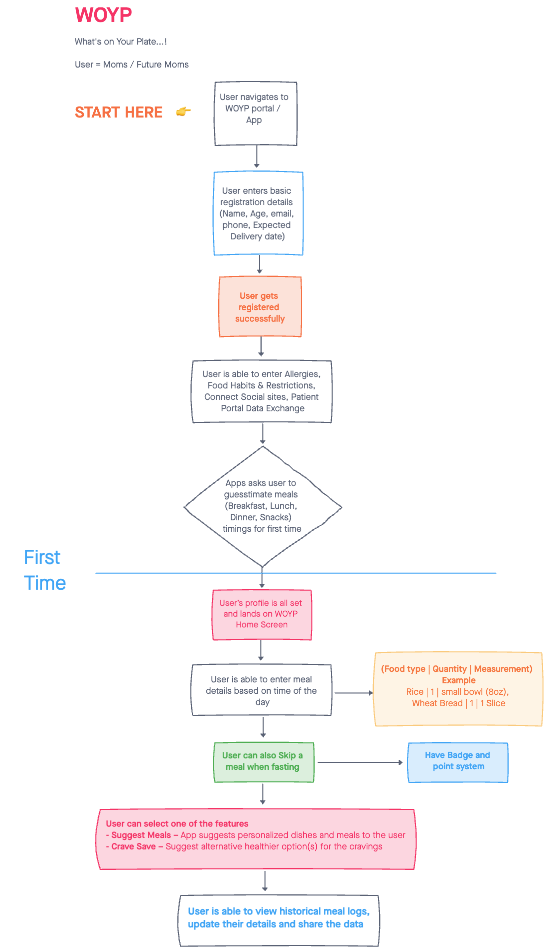
A site map was developed in order to best understand the order of the screens. Once the users flow was established, we could then confidently produce wireframes, and begin the visual design process.
Wireframe
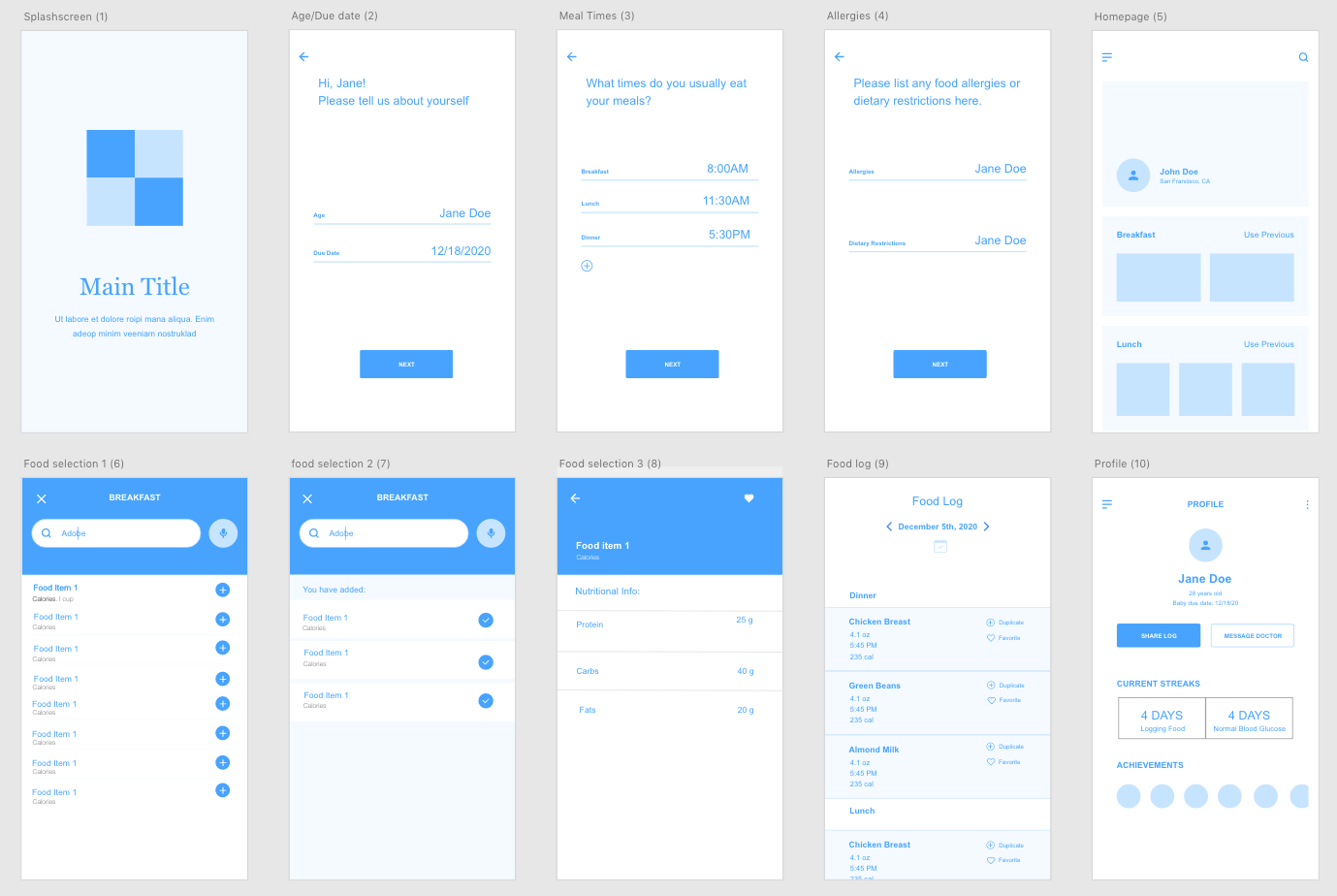
A wireframe was built next to aid in the visual design of the application. We used a free UI kit found online. The kit created specifically for building wireframes. The following is our wireframe used to create our final product.
High Fidelity Screens
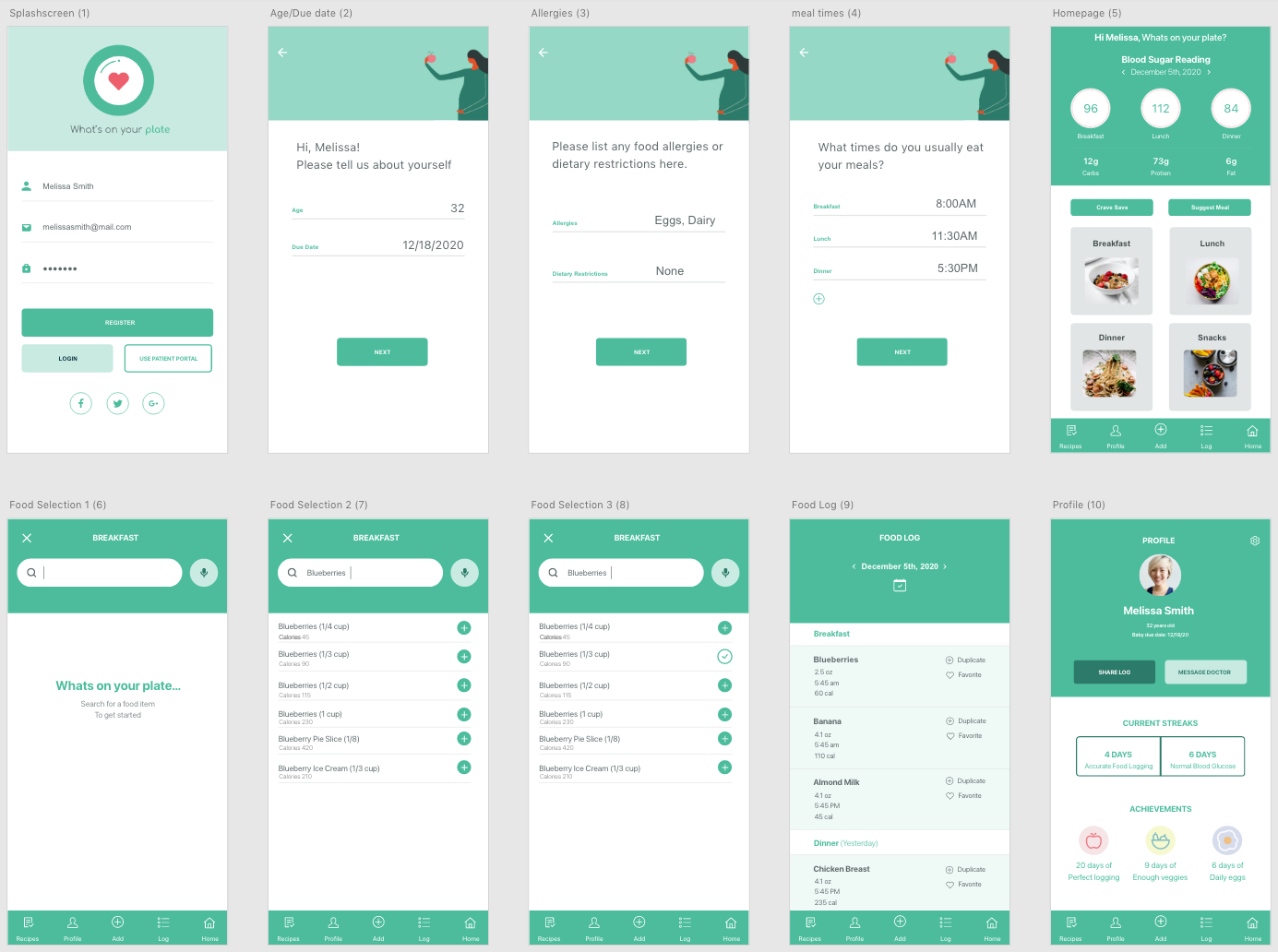
The following screens were built out in response to our previously built wireframe. Due to time constraints, I wasn't able to insert a ton of creativity or features. All slides were built to adhere to our style guide.
Final Result
The Following is a video walkthrough I made of the final product. This is the video we presented to judges during our final presentation.